
I once worked on two SIEM onboarding projects at the same time for two companies that were almost identical. Same industry, same region, and nearly identical IT and security stacks.
You’d expect their SIEM implementations to look alike. But they didn’t.
One prioritized network monitoring. The other focused on endpoints and Active Directory. The difference? At Company A, the lead came from a networking background. At Company B, the project was driven by someone who came up through systems administration.
This is a good example of how personal experience can shape technical decisions, often without us realizing it.
To get around that, you need a structured way to define what matters for your security monitoring program. In this article, I’ll share a practical approach for doing exactly that.
Finding the Security Value in Your Data
Security monitoring at scale relies on SIEM tools. At their core, SIEMs take in data and produce security value through alerts, dashboards, reports, and by supporting activities like threat hunting and incident investigation.
In simple terms: data goes in, security value comes out.
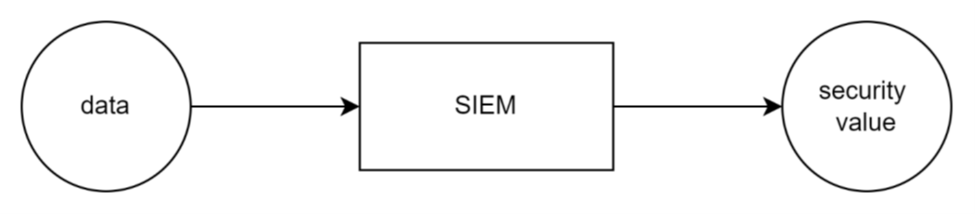
If the data doesn’t support detection, reporting, investigation, or hunting it probably doesn’t belong there.
So how do you decide what to send? Ask yourself:
What do I want to alert on? What should I report on? What dashboards do I need? What’s my plan for threat hunting?
You can bring your teams together for a working session, but personal experience and bias always play a role.
I lean towards a more data driven approach to decide what security value you want to get from your SIEM and in turn what data to sent into it. There are many good ways of doing it, I personally found the most success relying on threat intelligence.
Threat intelligence as input for security monitoring decisions
A good starting point for deciding what detection capabilities an organization needs is understanding which threat actors are most likely to target it.
This usually involves gathering intel on the tactics, techniques, and procedures (TTPs) of multiple threat actors based on factors like your organization’s industry, geography, infrastructure, and more. Internal threat intelligence teams can also contribute context such as knowledge of ongoing projects, past incidents, and known but unmitigated risks.
Once we’ve identified the relevant TTPs, the next step is to look for patterns. Techniques that show up repeatedly across multiple threat actors should be prioritized.
The outcome I usually aim for in this kind of exercise is a focused list: most used techniques likely to be used against the organization. That list becomes the foundation for building or refining your detection strategy.
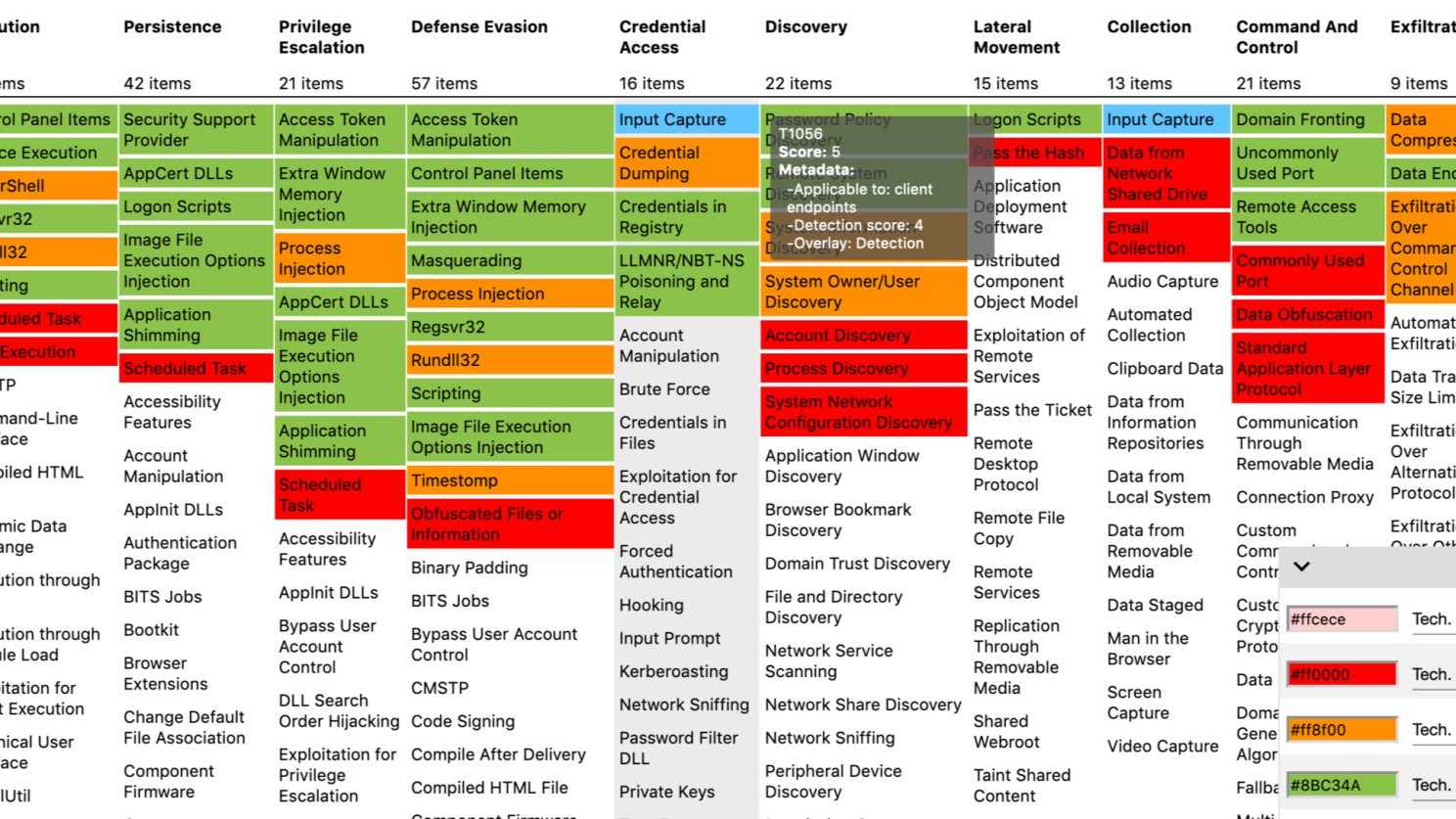
Turning intelligence into detections
Once we’ve identified the top techniques, the next step is to design ways to detect them within our environment. From there, we can define the necessary SIEM use cases such as detections, dashboards, reports, and other monitoring capabilities (MITRE’s list of data sources is a useful resource at this stage https://attack.mitre.org/datasources/ )
At that point we should have a good understanding of what logs are needed to support our desired use cases. This in turn allows us to plan the onboarding of those data sources into your SIEM:

It makes sense to have this be a recurring exercise. The threat landscape is constantly evolving, and our detection capabilities should evolve with it.
As a starting point, I typically suggest refreshing SIEM content every three months. Over time, the goal should be to shorten that cycle to once a month, resulting in 12 focused content updates per year (more on that later).
Effective security monitoring doesn’t start with data it starts with understanding threats. By focusing on the techniques most likely to be used against your organization, you can build an efficient and valuable SIEM. Combine that with a regular refresh cycle and a clear framework for content development, and you’ve got a sustainable way to keep your detection strategy aligned with the real-world threat landscape.




 SecOps at home
Leave a reply to MSSP’s guide to SIEM onboarding – SecOps at home Cancel reply